Release Notes: February 2026
Our latest updates are designed to help you move faster and see the data you need. From enhanced drilldown capabilities to more intuitive geography tools, here’s what’s new — plus, check out our upcoming webinars!
Feature Updates
Data Viewer: Power & Precision
The Data Viewer continues to get more robust, giving you deeper insights into your records.
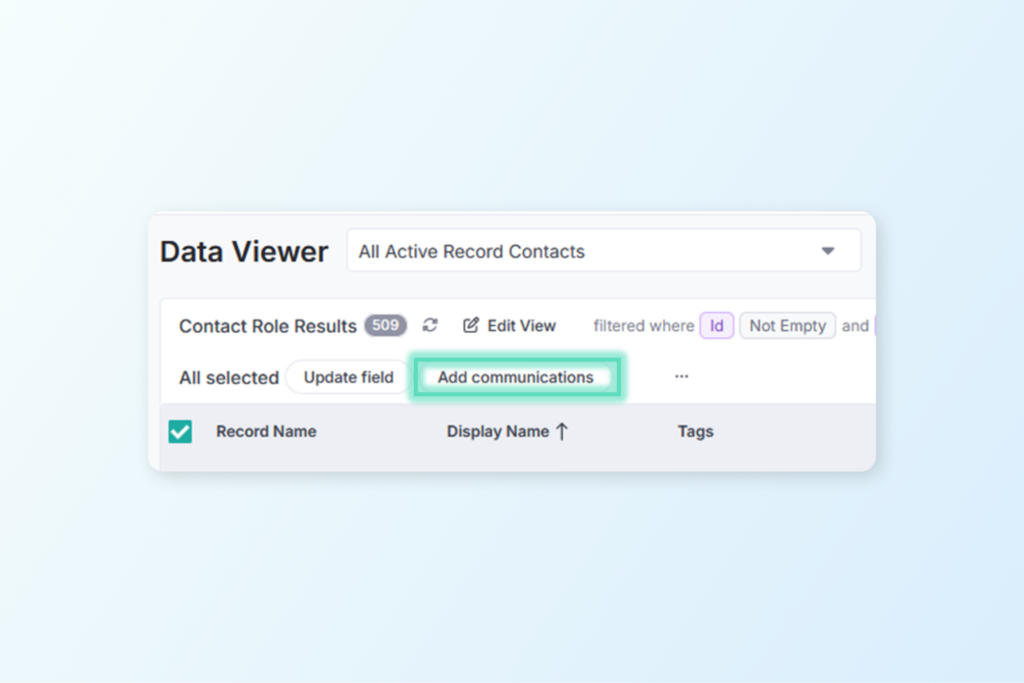
Bulk Add Communications: You can now add communications to multiple Contacts or Contact Roles at once. Perfect for logging mass mailings or outreach campaigns in seconds! Click here to read more about using bulk actions.
System Metadata Visibility: The ‘Created By’ and ‘Created On’ fields are now available for all objects, making it easy to audit your data and track team activity.
Portfolio Drill-Downs: Want a list of Properties that are linked to Projects with a certain status? How about Contacts on Properties where the Project has “Acquisition” in its name? You can now drill directly into Project fields from a query of Portfolio Records, or any data type linked to a Portfolio Record.
Acquisition Document Tracking: We’ve exposed the ‘Start Date’ and ‘Ended On’ fields for Acquisition Documents in the Data Viewer, giving you a higher degree of specificity when querying on these important timelines.
Task Groups: Task Groups are now fully visible within the Data Viewer for better oversight of project milestones and path to completion.
Reporting & Documentation
Accreditation Workflow: Working on (re)accreditation? Our innovative LTA Report can help – now made even better by the option to include the dates of reports linked to site visits. Read more about the LTA Report feature HERE.
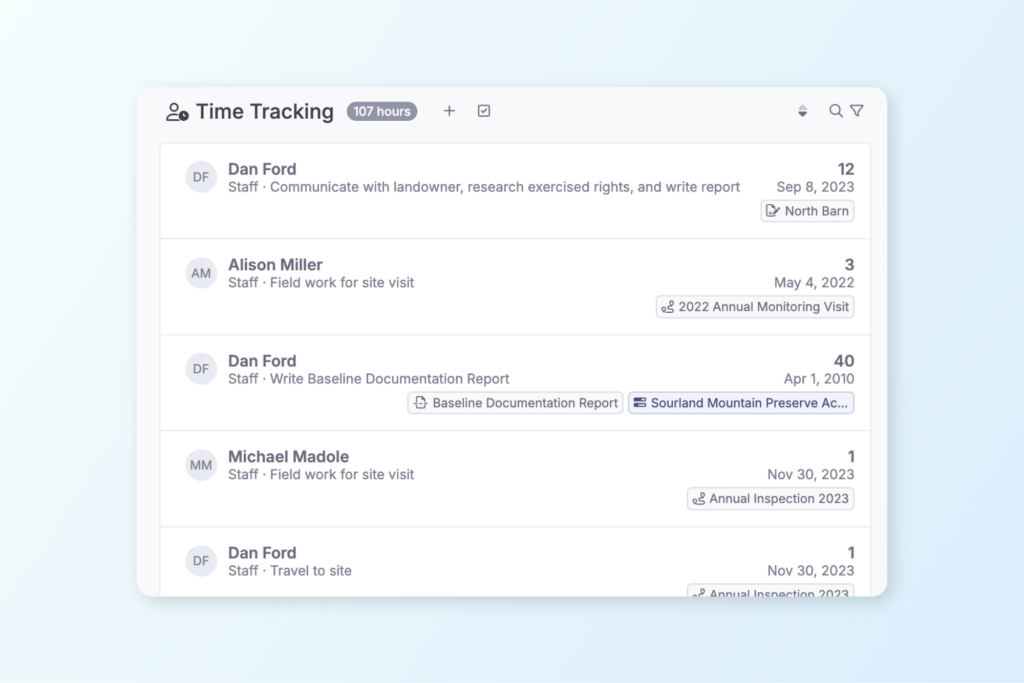
More Detailed Time Tracking: You can now add a Description to any Time Tracking entry. Use this to summarize and report on not just the hours spent, but on what was actually accomplished.
Mapping & Geography
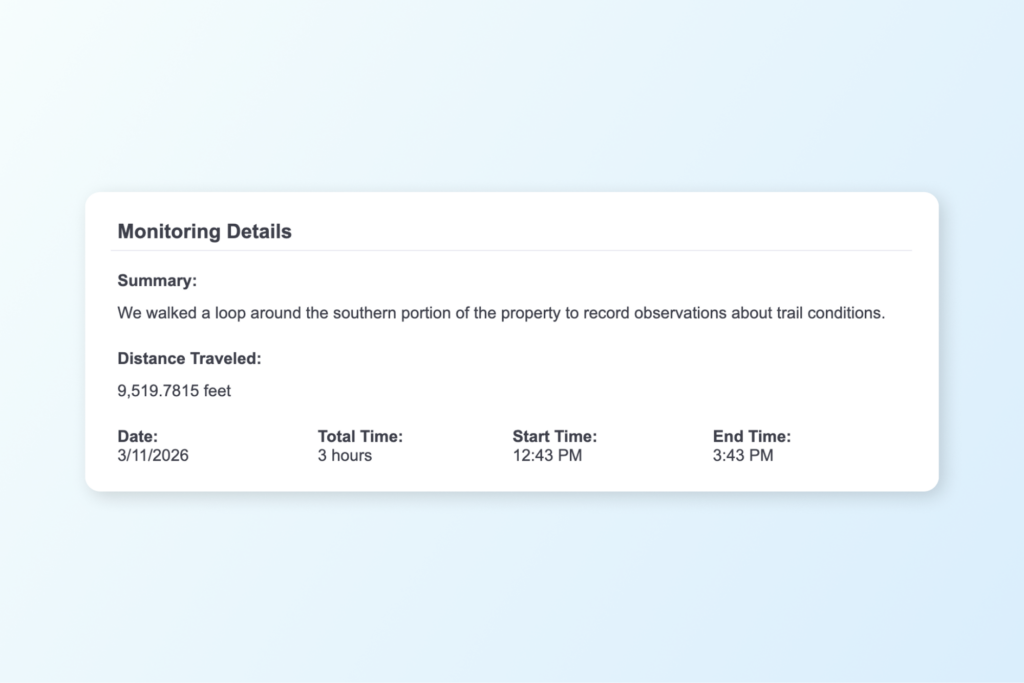
Area & Length Fields: There are new data fields in work items that are automatically calculated based on the total length of lines or total area of polygons in the work. The Area and Length fields from work items are now visible in Views and Reports, allowing you to add data like the distance traveled during your site visit.
Boundary Conversion: Importing data just got smarter. If you import a line to a Property boundary, Landscape will attempt to automatically convert it to an area, saving you the manual effort of conversion elsewhere.
Preview Photos: You can now view full size photos by clicking the photo thumbnail in the selected geography panel.
Integrations
Little Green Light: Keep your fundraising and stewardship touchpoints separate – there is now an option to ignore communications logged in LGL when a contact is synchronized in Landscape.
Other News & Events
Spring Webinar Series
Whether you missed these webinars last October or you’re just getting started in Landscape, these sessions are a great way to master new features and optimize your workflow. Sign up while there’s room!
Topics include: Landscape 101, Landscape for Acquisition, Landscape for Monitoring, and Landscape for Land Management. Click here to view the schedule and register!
Always innovating and improving
We’re constantly working to make Landscape the best comprehensive tool for land conservation work. Always feel free to send us your suggestions for improvement by sending a message to support. We appreciate your feedback – it helps us to help you!
New to Landscape?
Working in Landscape connects your team and organizes your work and reports. The best way to see how Landscape can help your organization is by seeing a demo. Sign up for a demo today!